Inspiration gallery
See what a finished page looks like.
Real homepages and custom pages the team has built for cities and demos. Not snippets to copy — whole pages to borrow ideas from.
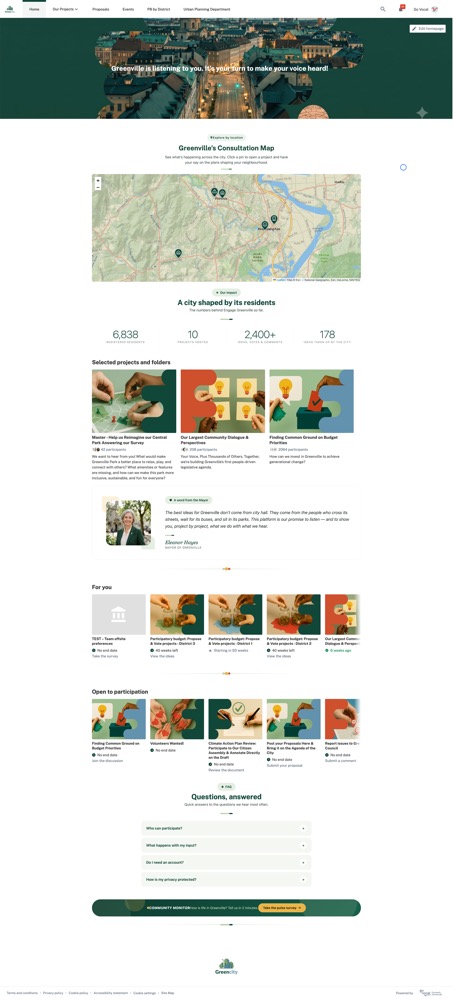
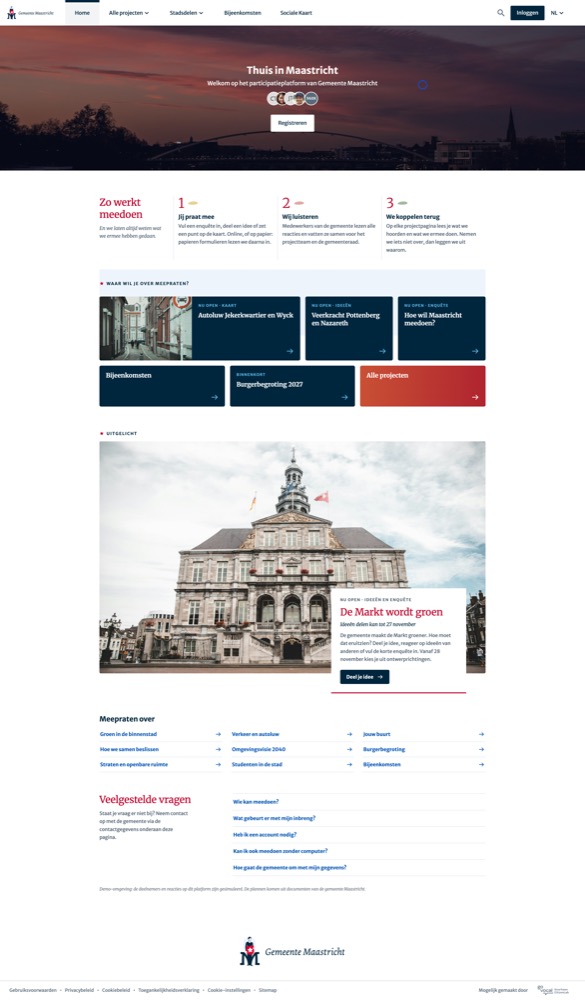
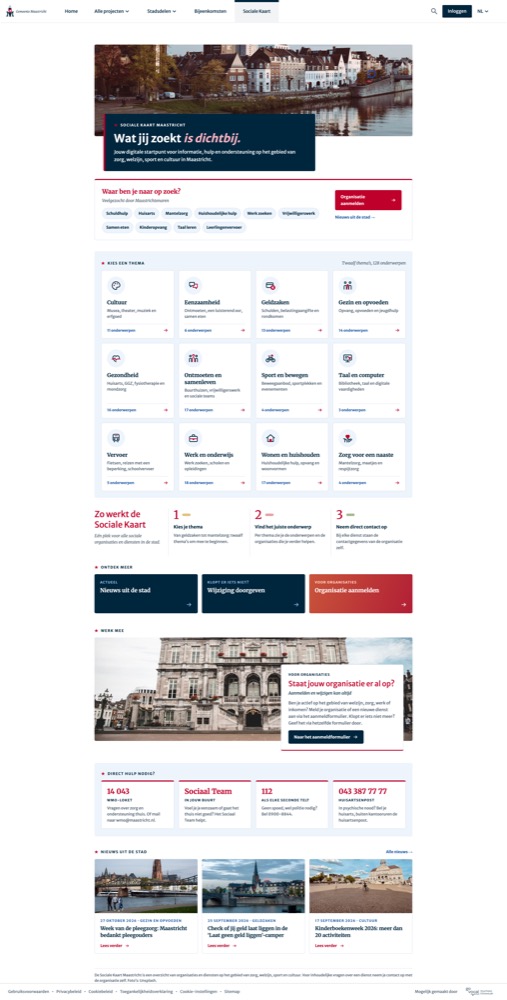
A kit of ready-made, copy-paste HTML blocks, full-page examples, and small interactive tools — built for Go Vocal’s platform and safe to paste straight into the HTML block.
New to the HTML block? Start with the support guide: Customizing the homepage →
Single copy-paste components — impact stats, “you said, we did”, quotes, FAQs, dividers, progress trackers. Each in three switchable styles.
Small builders for the interactive bits — photo galleries, before/after sliders, story cards, a project map. Configure it, copy the embed, paste it in.
Everything here is plain inline HTML that survives the platform’s sanitizer — no fonts to load, nothing to install. If a block renders here, it renders on your page.
Real homepages and custom pages the team has built for cities and demos. Not snippets to copy — whole pages to borrow ideas from.